If you run a sleeper cab, your APU is doing a job most drivers never think about until it stops working. Then it's the only thing you think about — usually at 2 AM in a truck stop parking lot in July.
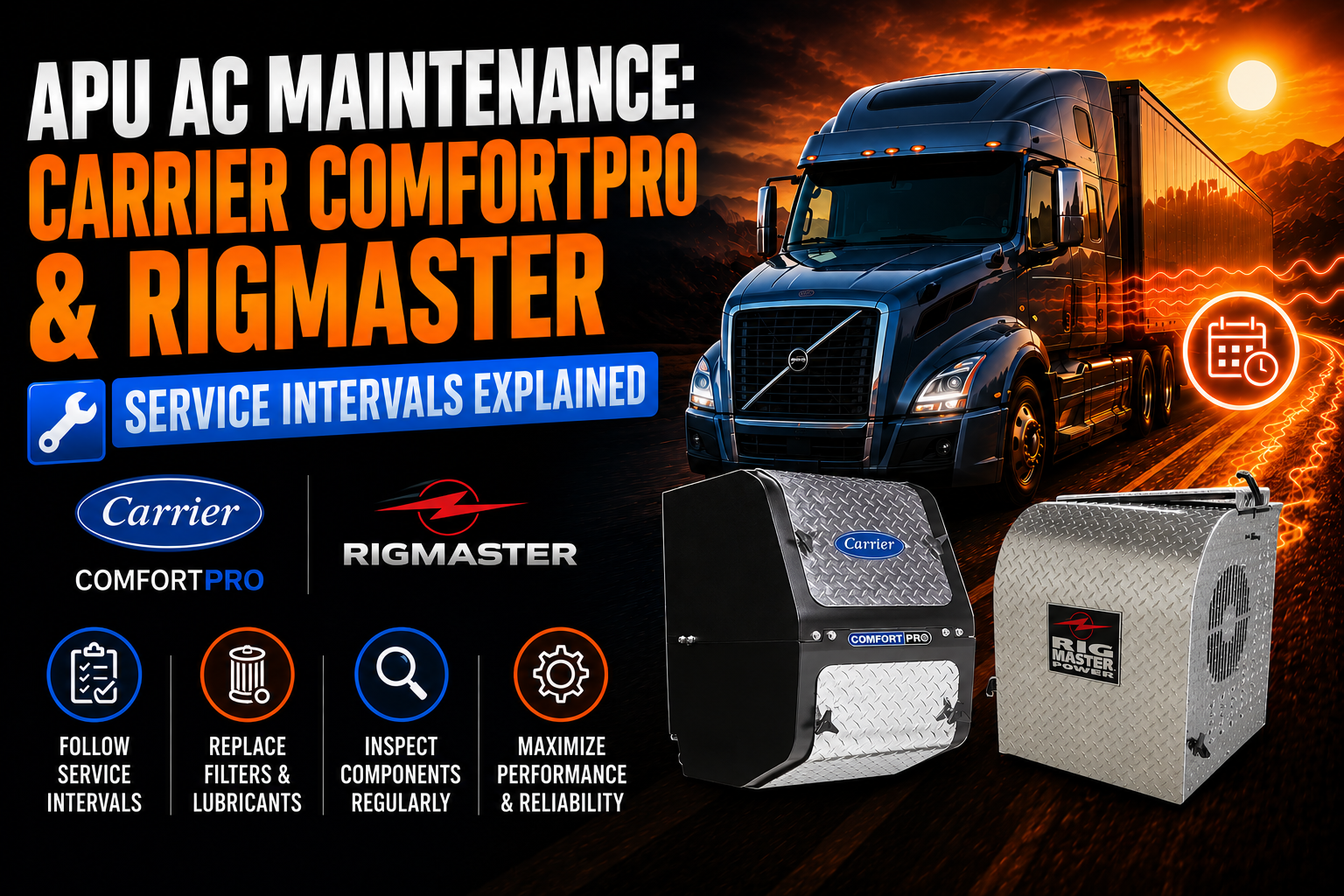
APU AC maintenance isn't complicated, but it does require paying attention to hours, not just dates on a calendar. Skip a service interval and you're not looking at a minor inconvenience. You're looking at a compressor replacement, a blown seal, or a night with the windows down in August. Let's get into what actually needs to happen, and when, for both Carrier ComfortPro and Rigmaster units.
What an APU AC System Actually Is
An auxiliary power unit is a small diesel engine mounted on the truck frame that runs independently of your main engine. Its job is to power air conditioning, heat, and household current for the cab and sleeper without idling the truck all night.
That's the whole appeal. Instead of burning a gallon of diesel an hour keeping the big engine turning over just to run the AC, the APU does it on a fraction of the fuel. Carrier ComfortPro and Rigmaster are two of the most common systems you'll find bolted to trucks on American highways, and while they're built differently under the hood, they share the same basic vulnerability: they're small engines living outside, exposed to road grime, salt, vibration, and heat cycles that would wear out anything faster than a climate-controlled shop environment.
That's why APU AC maintenance can't be an afterthought. These units work harder, in a worse environment, than almost anything else on your truck.
Why Maintenance Actually Matters Here
A lot of owner-operators treat their APU like a appliance — plug it in, forget it exists, deal with it when it breaks. That approach works fine for a toaster. It does not work for a small diesel engine with a compressor, a generator, belts, filters, and a refrigerant loop, all crammed into a box that lives a few feet off the pavement.
Here's the real math. A full oil and filter service on an APU runs you somewhere in the range of a tank of fuel. A seized compressor or a fried starter, on the other hand, can run you a thousand dollars or more once you add labor and downtime. And downtime on an APU doesn't just cost you comfort — if you're an owner-operator, a truck that can't keep the driver cool or warm is a truck that's harder to keep on the road through a hot southern summer or a Midwest winter.
Regular maintenance also protects the resale value of your equipment. Fleets that document their service intervals get better trade-in numbers and fewer surprises during DOT inspections tied to idle-reduction compliance in states like California.
The bottom line: these systems reward attention and punish neglect, fast.
Carrier ComfortPro Service Intervals and Best Practices
Carrier built the ComfortPro line to be about as low-maintenance as a diesel APU can get, but "low-maintenance" doesn't mean "no maintenance." Here's how the intervals typically break down.
Every 500 hours: This is your inspection checkpoint, not necessarily a parts-replacement point. Check the fuel system for leaks or wear, inspect coolant hoses and clamps, check belt tension and alignment, and give the whole chassis mount and exhaust system a once-over. Pull the air filter and take a look while you're in there.
Every 1,000 to 2,000 hours: This is where the oil and filter change happens, along with a valve-lash adjustment. Older ComfortPro units are built around a 1,000-hour interval. Newer generations, running heavier CK-4 oil and an automotive-style tensioner belt, stretched that out closer to 2,000 hours. If you're not sure which generation you're running, check your unit's data plate or manual — don't assume, because running the wrong interval either wastes oil changes or, worse, stretches one too far.
Every 2,000 hours: This is the deep-dive service. Fuel injector performance, generator and alternator output, starter condition, and a full HVAC system check all get looked at here. For a typical over-the-road driver running the APU most nights, this lines up roughly once a year.
A few best practices worth repeating: use synthetic oil if your unit supports it — it holds up better through the heat cycling an APU sees, and it gives you a little insurance if you run a bit past the service window. Keep the condenser and radiator fins clean, especially if you're running winter roads where salt and anti-icing chemicals get flung up onto the frame. And don't ignore the AC-specific filter — it's separate from the engine air filter and gets overlooked constantly.
If you're stocking up on filters, belts, or other wear items ahead of a service interval, our APU replacement parts page covers the components that fail most often on ComfortPro units, so you're not waiting on a part mid-service.
Rigmaster Service Intervals and Best Practices
Rigmaster units, built around a Perkins diesel engine, follow a somewhat simpler service structure, but the discipline required is the same.
First oil change at 50 hours: This is the break-in service, and it's easy to forget on a new install. Skipping it lets metal shavings from initial engine wear circulate longer than they should.
Every 500 hours: Many operators and shops run oil and filter changes on this schedule, even though the factory manual lists 1,000 hours as the standard interval. Given how cheap oil and filters are compared to a rebuild, plenty of experienced techs split the difference and service at 500 to protect the smaller oil reservoir these units run. At this interval, also check the fan belt and serpentine belt for wear or glazing, inspect for leaks, and check the coolant level.
Every 1,000 hours: Full oil and filter change per the factory schedule, plus a valve clearance inspection. Clean the generator, check the engine air filter, and inspect the fuel filter for replacement.
HVAC filter checks: Rigmaster units have a separate HVAC filter that needs regular cleaning or replacement — check it at every oil service, and don't try to blow it out and reuse it once it's visibly dirty. It's cheap enough to just replace.
A couple of Rigmaster-specific notes: don't overfill the oil. These units run a smaller crankcase than you might expect, and overfilling is a common cause of blown main seals and oil leaks. Also, if you're noticing soot buildup or "soot turds" under the exhaust, don't ignore it — that's usually a sign the exhaust is starting to clog and performance is about to drop off.
If you're due for a Rigmaster service and want to compare unit options, upgrade parts, or just see what's available for your model, our Rigmaster brand page has the current lineup and compatible components.
Common Maintenance Mistakes We See Constantly
Going by the calendar instead of the hour meter. An APU that runs 8 hours a night racks up 500 hours in about two months. If you're servicing based on "it's been six months" instead of actual run hours, you're either wasting money on early changes or, more dangerously, running well past when you should have serviced it.
Overfilling oil. This one's especially common on Rigmaster units with their smaller reservoirs, but it happens on Carrier units too. More oil is not better. Follow the dipstick, not your gut.
Ignoring the HVAC-specific air filter. People remember the engine air filter because it's more visible. The climate control filter gets forgotten, and a clogged one kills airflow and cooling performance long before anything mechanical actually fails.
Skipping belt inspections until they snap. Belts glaze, crack, and stretch gradually. A five-minute visual check at every service catches this before you're stranded with no AC and no charging.
Using the wrong oil weight or grade. Not every APU engine wants the same oil as your truck's main engine. Check the manual before you grab whatever's on the shelf.
Delaying service because "it's still cooling fine." AC and generator components can run degraded for a while before failing outright. By the time you notice a real performance drop, you're often looking at a bigger repair than if you'd caught it at the scheduled interval.
Your Next Steps
Pull your hour meter, check when your last service happened, and figure out where you actually stand against these intervals. If you're coming up on a service window, get your parts ordered before the appointment, not the morning of. Filters, belts, and oil are the things that run out at the worst possible time if you're not stocked ahead.
Whether you're running Carrier ComfortPro or Rigmaster, staying ahead of these intervals is the cheapest insurance you'll ever buy for your sleeper comfort. Check out our APU replacement parts selection to get what you need before the next service is due, and browse our Rigmaster lineup if you're comparing units or hunting for compatible parts.
Take care of the APU, and it'll take care of you — through every long haul, in every kind of weather.
Disclaimer: This article is provided for general informational purposes only and is not intended as a complete maintenance, repair, or diagnostic guide. Always verify procedures and specifications using the applicable OEM service information and consult a qualified service professional before performing any work. TruckAC+ assumes no liability for actions taken based on this content.